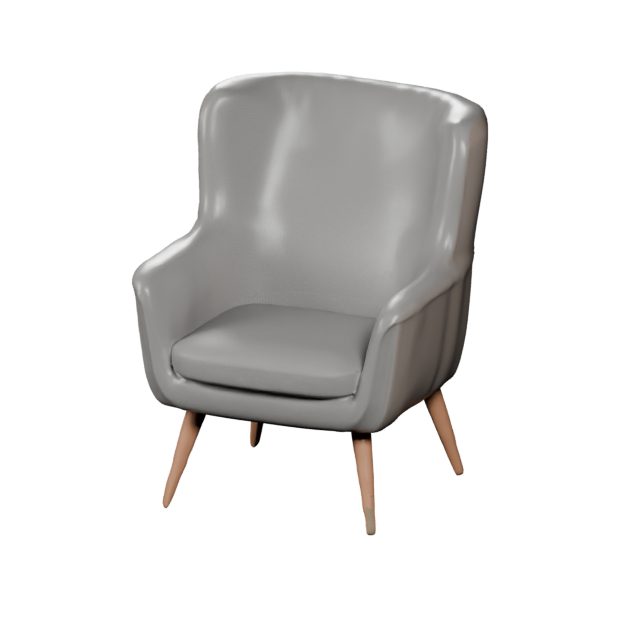
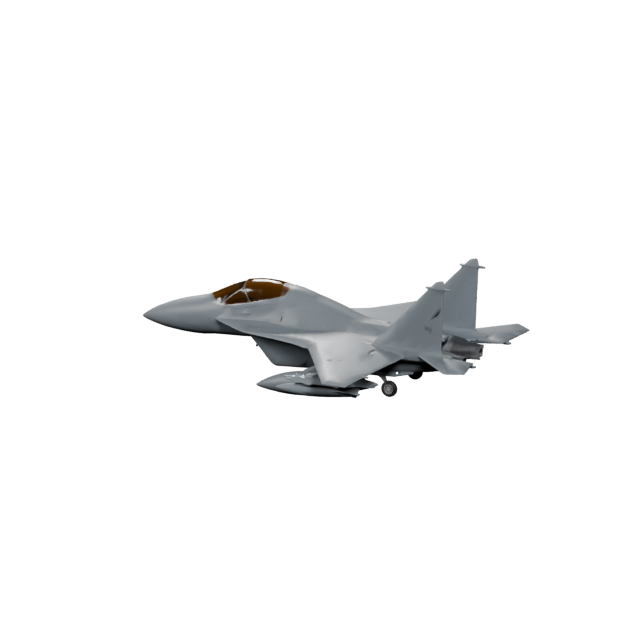
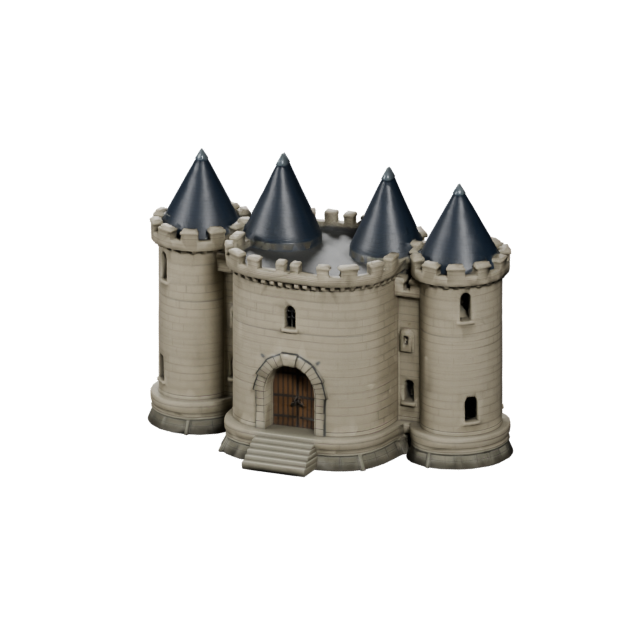
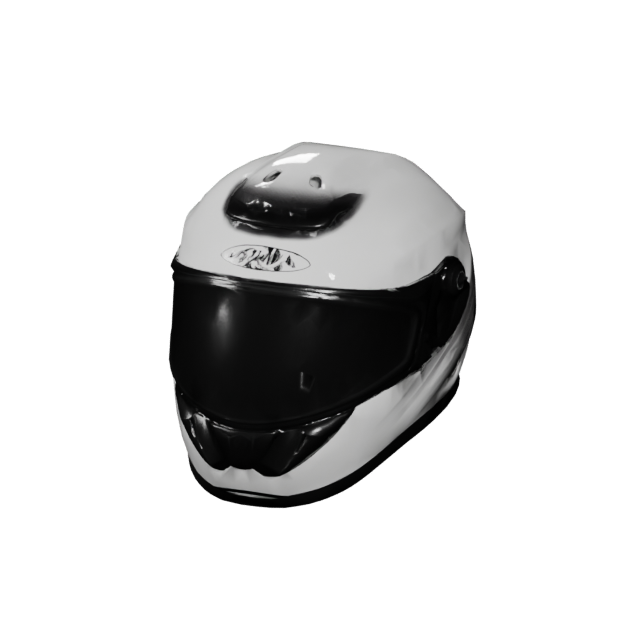
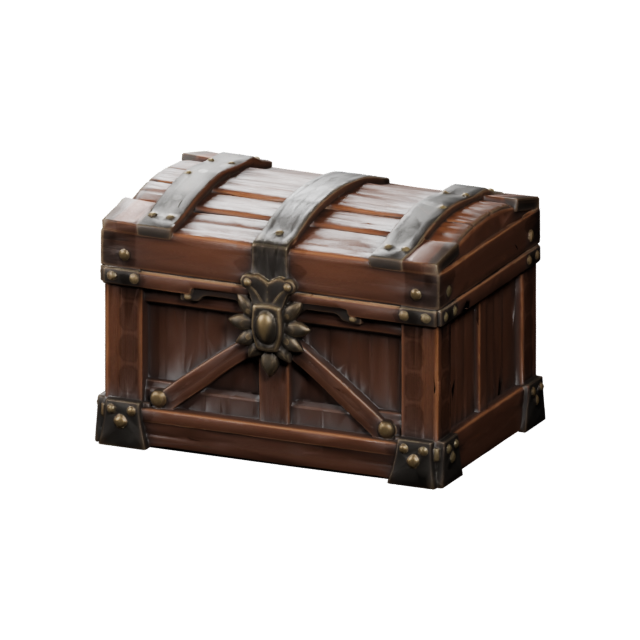
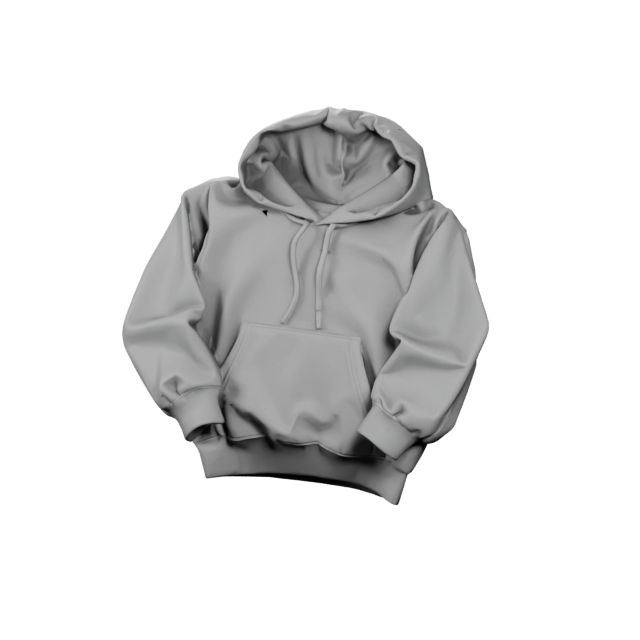
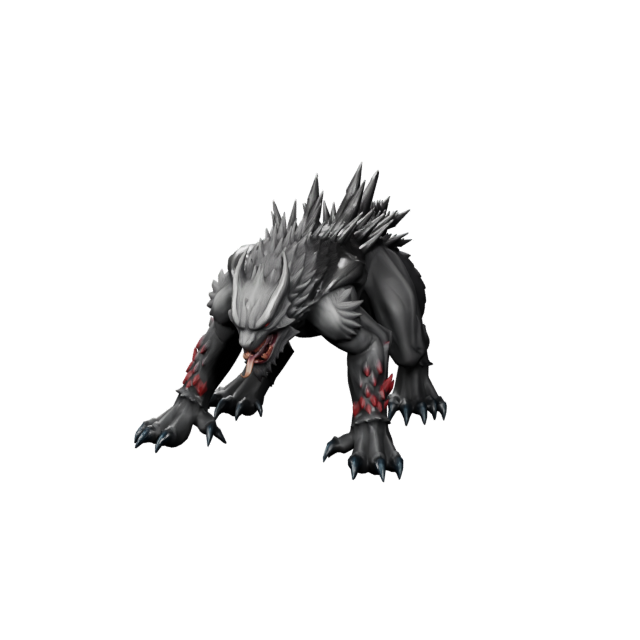
Create from a prompt
Describe the object, style, material, and purpose, and the text to 3D generator builds props, characters, products, vehicles, creatures, and environment assets from your words.
Create from Text Create3D.io
Sign in or create your account to generate and manage your AI 3D models.
By continuing, you agree to our Terms and Privacy Policy.
Create3D.io is an AI 3D model generator built for fast 3D creation. Start with a text prompt, upload a reference image, or use multiple views to create downloadable 3D models for games, product design, 3D printing, AR, e-commerce, and creative projects — then preview, refine, texture, repair, and export as GLB, OBJ, FBX, STL, PLY, USDZ, and 3MF.
This model is designed for subscribers. Upgrade your plan to unlock higher-quality 3D generation and advanced model options.
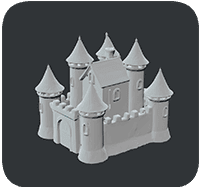
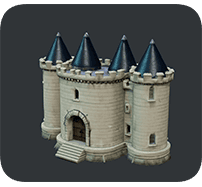
Both AI 3D models below were created from the exact same text prompt - no edits, no tricks. The free V1.0 model builds a clean clay-style castle mesh in seconds, while the flagship V4.0 model turns the same words into a fully textured, production-ready 3D asset. This is how fast Create3D.io keeps raising the bar when you create 3D models with AI.
“A stone castle building with four round towers, cone roofs, front gate, and outer walls”
An AI 3D model generator turns simple inputs into real 3D models, so you skip the slow polygon-by-polygon work of traditional software. Create3D.io takes a text prompt, a reference image, or multiple views and creates a downloadable 3D model you can preview, refine, and export — making Create3D AI a fast, beginner-friendly way to create 3D models online.
Start Creating Free →Begin with whatever you already have — a sentence, a product photo, concept art, a sketch, or several reference angles. Create3D turns each input into a downloadable 3D asset you can refine and export.
Describe the object, style, material, and purpose, and the text to 3D generator builds props, characters, products, vehicles, creatures, and environment assets from your words.
Create from TextUpload a product photo, snapshot, or reference picture. Photo to 3D builds a model based on the main subject and its visual direction.
Create from PhotoAdd front, side, back, or extra angles so Create3D understands proportions, hidden surfaces, and structure for a more consistent 3D model.
Create from Multiple PhotosCreate3D keeps AI 3D creation simple: create a first model, refine the look and geometry, then export the file your project needs.
Generate a first 3D model from a text prompt, reference image, or multiview input with the model version that fits your idea.
Compare directions, then improve textures, repair geometry, remesh topology, or render previews until the asset matches your project.
Download GLB, OBJ, FBX, STL, PLY, USDZ, or 3MF — or convert between them — so your 3D asset drops straight into your pipeline.
Create3D.io is a full AI 3D model generator. Create from text, create from an image, then refine the result with practical tools — all in one place.
Type what you want and let Create3D do the modeling. The text to 3D mode reads your description — object, style, material, and mood — and creates a 3D asset in seconds. It is the fastest way to create 3D models online when you only have an idea in words.
Create from Text →Already have a photo? Upload a product photo, snapshot, or reference picture and photo to 3D builds a model around the main subject. Add multiple views with multiview to 3D when you want Create3D to capture proportions and hidden surfaces more accurately.
Create from PhotoA great 3D asset rarely comes from the first click. After Create3D creates your model, retexture it for a stronger look, repair broken geometry, remesh for cleaner topology, render shareable previews, and convert formats — so the asset you export is genuinely ready to use.
Free 3D ConverterCreate3D.io covers the full path from idea to usable file. Create the model, inspect it, improve the surface, fix the geometry, prepare the format, and build a reusable 3D asset library.
Generate the first 3D version from text, image, or multiview input in seconds.
Preview the model online and check proportion, silhouette, surface quality, and style.
Apply AI texture workflows to add material detail, color, and a stronger visual identity.
Repair holes, broken geometry, and non-manifold edges before download.
Convert into the file type your next tool, engine, slicer, or viewer expects.
Turn generated models into a reusable 3D asset collection for projects and campaigns.
From quick creative concepts to downloadable 3D files, teams and independent creators across the United States use Create3D to create 3D assets for modern digital workflows.
Create props, weapons, pickups, characters, creatures, vehicles, and environment objects for Unity, Unreal, and indie prototypes.
Create product mockups, packaging forms, hardware concepts, and presentation-ready 3D visuals from a prompt.
Create GLB and USDZ-ready objects for interactive pages, AR Quick Look previews, and immersive experiences.
Create STL and 3MF ideas for collectibles, toys, prototypes, maker builds, and classroom printing.
Create product-style 3D objects, visual previews, and interactive shopping content that lifts engagement.
Create quick props, set dressing, creatures, and scene objects for visual planning and development.
Create 3D learning objects, classroom visuals, and printable models for lessons and student projects.
Create branded 3D objects, social visuals, thumbnails, and launch-ready campaign assets.
Explore different visual directions before you commit. Use style words, materials, lighting, and project context to guide how Create3D creates your 3D asset.
Rounded shapes, readable silhouettes, and bold colors for indie games and mobile projects.
Prompt: a cheerful slime monster character, big eyes, stylized, glossyClean proportions, studio-ready surfaces, and presentation-friendly materials.
Prompt: a sleek wireless speaker, matte aluminium, soft studio lightSimplified geometry and lightweight forms for games, web, AR, and prototypes.
Prompt: low-poly desert rock formation, flat-shaded, game-readySculpted characters, toy-like proportions, and display bases for printable concepts.
Prompt: cute chibi dinosaur collectible, sculpted, glossy, round baseHard-surface forms, glowing details, drones, robots, vehicles, and futuristic props.
Prompt: futuristic recon drone, hard-surface, emissive cyan accentsTreasure chests, keys, weapons, magical objects, and story-driven environment pieces.
Prompt: glowing magic potion bottle, cork stopper, RPG propProduct-style objects, clean materials, and render-ready 3D assets for shops.
Prompt: premium perfume bottle, frosted glass, gold cap, studioClear shapes, classroom objects, STEM visuals, and 3D printing-ready concepts.
Prompt: cross-section of planet earth model, labeled-friendly, STEMThe first generated result is only the start. Create3D gives you practical tools to improve, prepare, and export every 3D asset for real projects.
Create3D.io is for creators who need more than a one-click model. It helps you create, review, refine, and export 3D assets that move straight into real creative work.
Start from a simple idea and let Create3D turn it into a usable 3D asset in seconds — no modeling software required.
Create downloadable 3D files you can actually use, not just flat images or locked previews.
Use text prompts, reference images, or multiview input depending on what you already have.
Generate alternatives, adjust direction, and refine your model after the first result.
Texture, repair, convert, render, remesh, segment, and measure your model in one workflow.
Download GLB, OBJ, FBX, STL, PLY, USDZ, and 3MF for games, web, AR, printing, and design tools.
Create3D.io helps you move from AI creation to real 3D workflows. Export the file type your viewer, engine, slicer, AR tool, or design software needs — or convert between them anytime.
Common questions about the Create3D AI 3D model generator, supported formats, pricing, and how to create 3D assets with AI.
Create3D.io is an AI 3D model generator and online 3D creation studio. With Create3D you can create 3D assets with AI from a text prompt, a reference image, or multiple views, then preview, refine, texture, repair, convert, and export downloadable 3D models for games, product design, 3D printing, AR, e-commerce, and creative projects.
An AI 3D model generator is an online tool that uses artificial intelligence to build 3D models from simple inputs such as text prompts, reference images, or multiview photos. Instead of modeling polygons by hand, you describe or upload what you want and the AI 3D model generator generates the geometry, shape, and surface detail for you to refine and export.
Choose Text to 3D or Image to 3D, pick a model version, then describe your idea or upload a reference. Create3D generates a 3D model in seconds. You can then compare directions, improve textures, repair geometry, convert formats, and export the finished 3D asset for your project.
Yes. Text to 3D mode turns a written description into a 3D model. Describe a prop, character, product, vehicle, creature, collectible, or scene object with its style and materials, and the AI 3D model generator builds a downloadable model from your prompt.
Yes. Image to 3D lets you upload a clear reference image such as a product photo, concept art, or a sketch, and Create3D builds a 3D model based on the main subject. Multiview to 3D uses several angles when one image is not enough for a consistent result.
Yes — Create3D.io is free to start. Every free member receives free credits to create 3D assets with the V1.0 model, preview them in the 3D viewer, and share results at no cost. Free credits refill on a rolling 24-hour cycle rather than by calendar day, so once you use your free credits on a creation they recover 24 hours after that point. Higher-quality models and advanced options are available on paid plans.
Each creation uses credits based on the model and options you choose. The free V1.0 model is the most affordable way to create a textured 3D mesh, while V3.0 cost adjusts with texture, geometry, and mesh settings, and V4.0 uses a fixed premium cost for the highest-quality output.
You can create game assets, props, characters, creatures, vehicles, weapons, environment pieces, product concepts, collectibles, AR objects, e-commerce visuals, educational models, and creative 3D content from text or images.
Create3D.io exports the common 3D formats GLB, OBJ, FBX, STL, PLY, USDZ, and 3MF, so assets you create work with web 3D viewers, game engines, 3D printing slicers, AR, animation, and design software. You can also convert between these formats with the built-in 3D model converter.
Yes. Export STL and 3MF files, then use the 3D model repair tool and volume calculator to fix geometry, estimate volume and surface area, and prepare a clean, printable model before you send it to a slicer.
Yes. Create3D is well suited for game asset creation. Generate models, choose quad meshes and PBR materials on higher-quality models, remesh for cleaner topology, and export FBX, GLB, or OBJ files ready for Unity, Unreal Engine, and indie game pipelines.
Yes. The first result is a starting point. Create3D gives you tools to retexture, repair, remesh, segment, render, and convert the model, so you can iterate until the 3D asset matches your project before exporting.
No. Create3D.io is built for creators who want to make 3D assets without complex modeling software. The workflow is prompt-first and beginner-friendly, while optional tools for texturing, remeshing, repair, and conversion give pros the control they expect.
Monthly members receive commercial usage rights for the 3D assets they create. Annual members also receive commercial usage rights and can download a separate commercial authorization license for each individual 3D asset.
If a creation fails and no usable 3D asset is produced, the credits used for that attempt are automatically returned to your account, so you can try again with a revised prompt or a clearer reference image.
Create3D.io is built for game developers, 3D artists, product and industrial designers, 3D printing makers, AR and VR creators, e-commerce teams, marketers, educators, and indie creators across the United States and worldwide who need fast, downloadable 3D assets from text or images.
Use Create3D.io to turn a prompt, image, or multiview reference into a downloadable 3D asset. Start with free credits, refine the result, and export files for games, products, 3D printing, AR, e-commerce, education, and creative projects.
Start Creating 3D Assets